emfy

Emfy
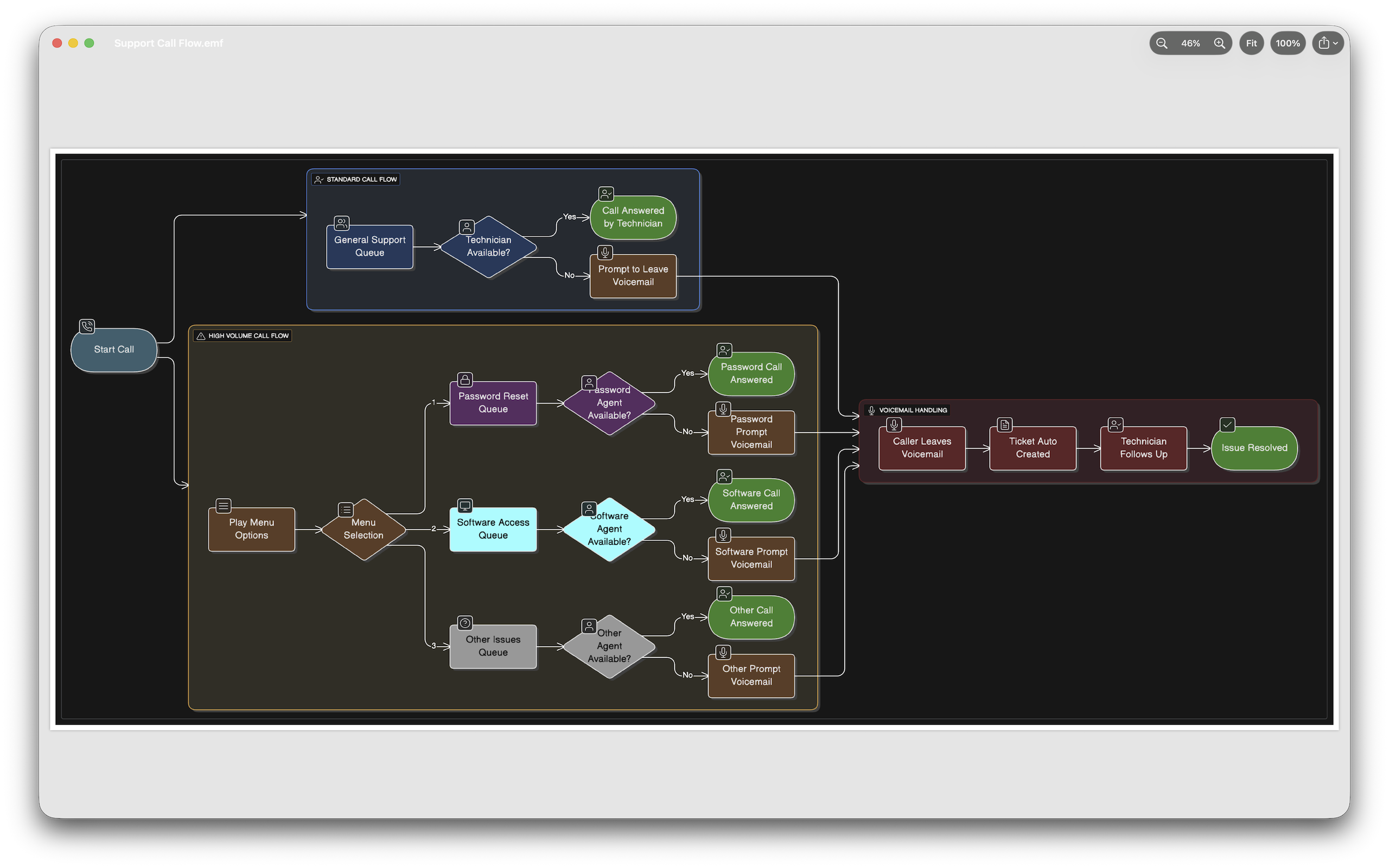
Press space on an .emf file. See the picture.
A free, open-source viewer for EMF (Enhanced Metafile) files on macOS —
Quick Look previews, Finder thumbnails, and a small viewer app.





EMF is the vector format Windows tools quietly export: diagrams out of PowerPoint and Visio, charts out of Excel, drawings out of engineering tools. macOS opens none of it. Emfy fixes that where you actually work — the spacebar and the Finder window.
Install
Download Emfy.dmg from the
latest release, open
it, and drag Emfy to Applications. Launch it once — Finder thumbnails and
spacebar previews activate from then on. The app is notarized, so it opens
without Gatekeeper warnings. Requires macOS 14.0 (Sonoma) or later.
Prefer the store? The same app is on the Mac App Store, where updates install automatically.
What it does
- Quick Look, first-class. Spacebar previews and Finder thumbnails for
.emffiles — the two things no free macOS tool offered. - Real-world record coverage. Vector shapes, path brackets, clipping, dashed and styled pens, brushes, transforms, text (Windows font names mapped to macOS fonts — rotated and accented runs included), embedded bitmaps, and EMF+ (GDI+) records — vector shapes, gradients, images, and text.
- A viewer, not just a peek. Zoom, pan, fit-to-window; export to PNG or true-vector PDF.
- Built for hostile input. Quick Look parses files the moment Finder shows them, so every size and count is bounds-checked before it is trusted, unknown records are logged and skipped (a partial render always beats an error), the parser is fuzz-tested, and the app and extensions run sandboxed with no network access anywhere.
- Clean-room implementation from the public [MS-EMF]/[MS-WMF] specifications — no code from, or derived from, any existing EMF implementation.
Scope, honestly: EMF+ (GDI+) decoding shipped in 2.0. Dual-format files (GDI and EMF+ side by side) now render from their higher-fidelity EMF+ half, and files whose drawing content exists only as EMF+ render fully. A few things are still simplified — hatch and path-gradient fills draw as solid approximations, while texture fills, nested-metafile images, and exotic image pixel formats are skipped — and Emfy itemizes every one in Render Details instead of rendering silently. WMF is on the v3 list.
Screenshots
 |
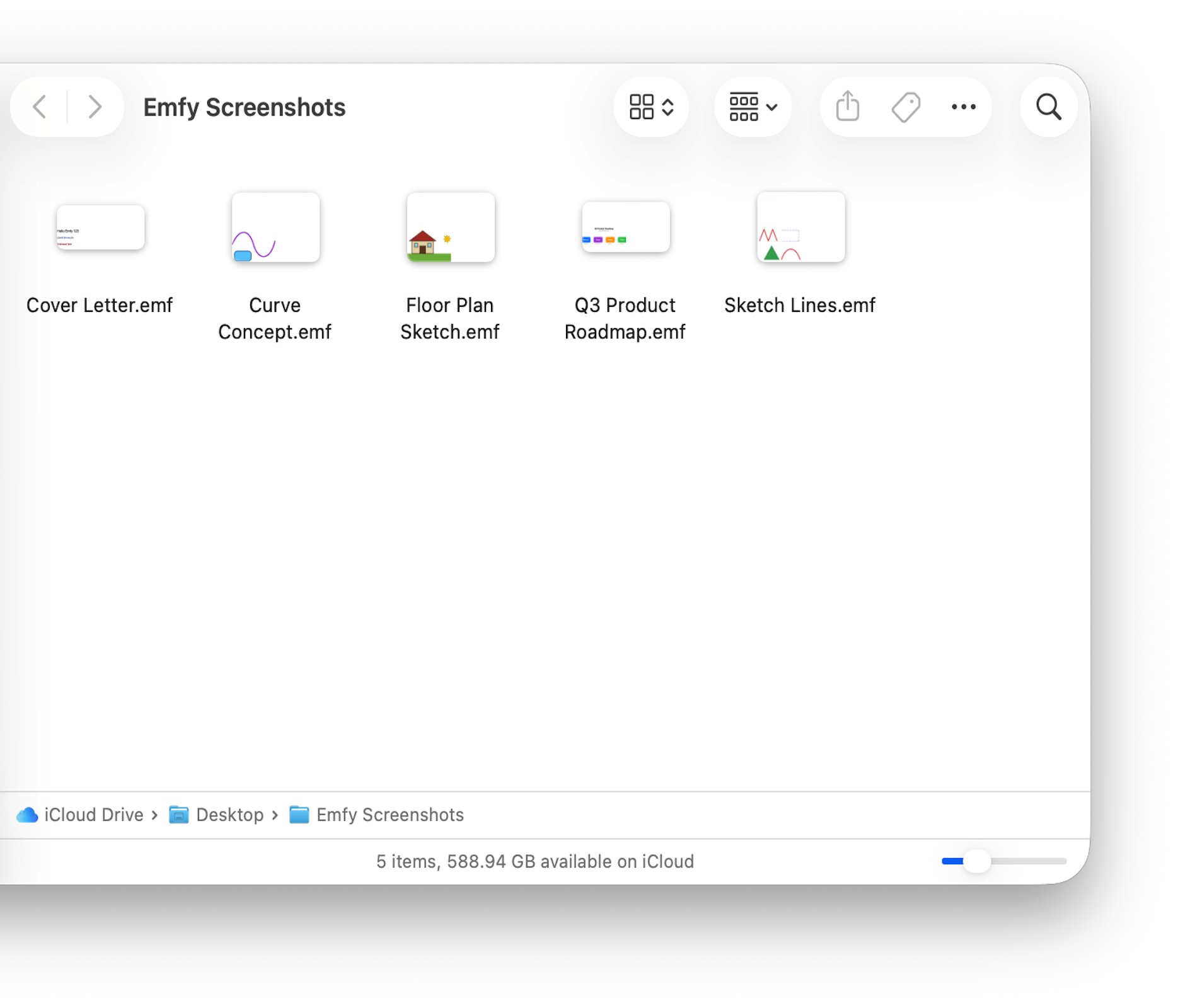 |
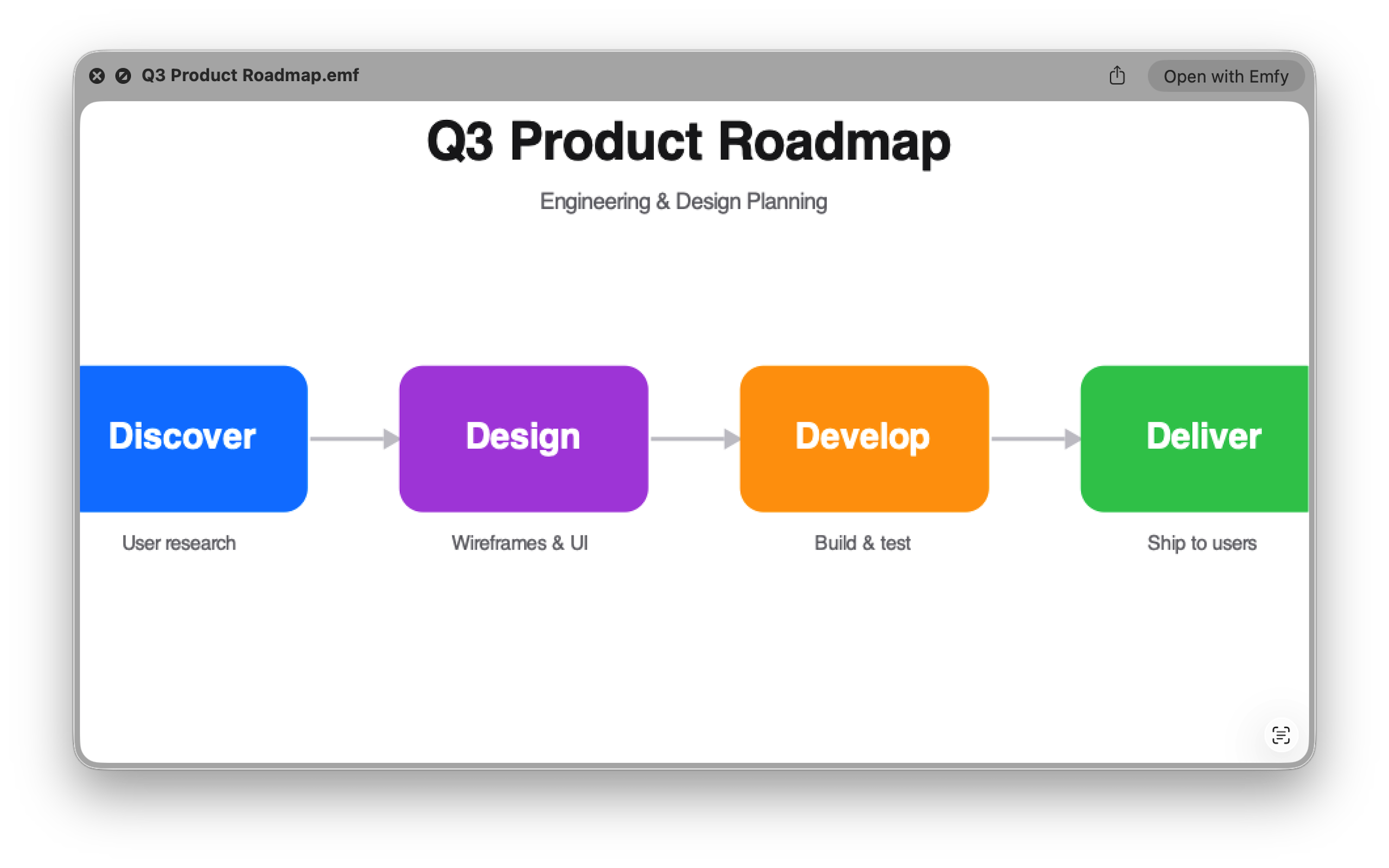
| Spacebar preview, straight from Finder | Real thumbnails for .emf files |
 |
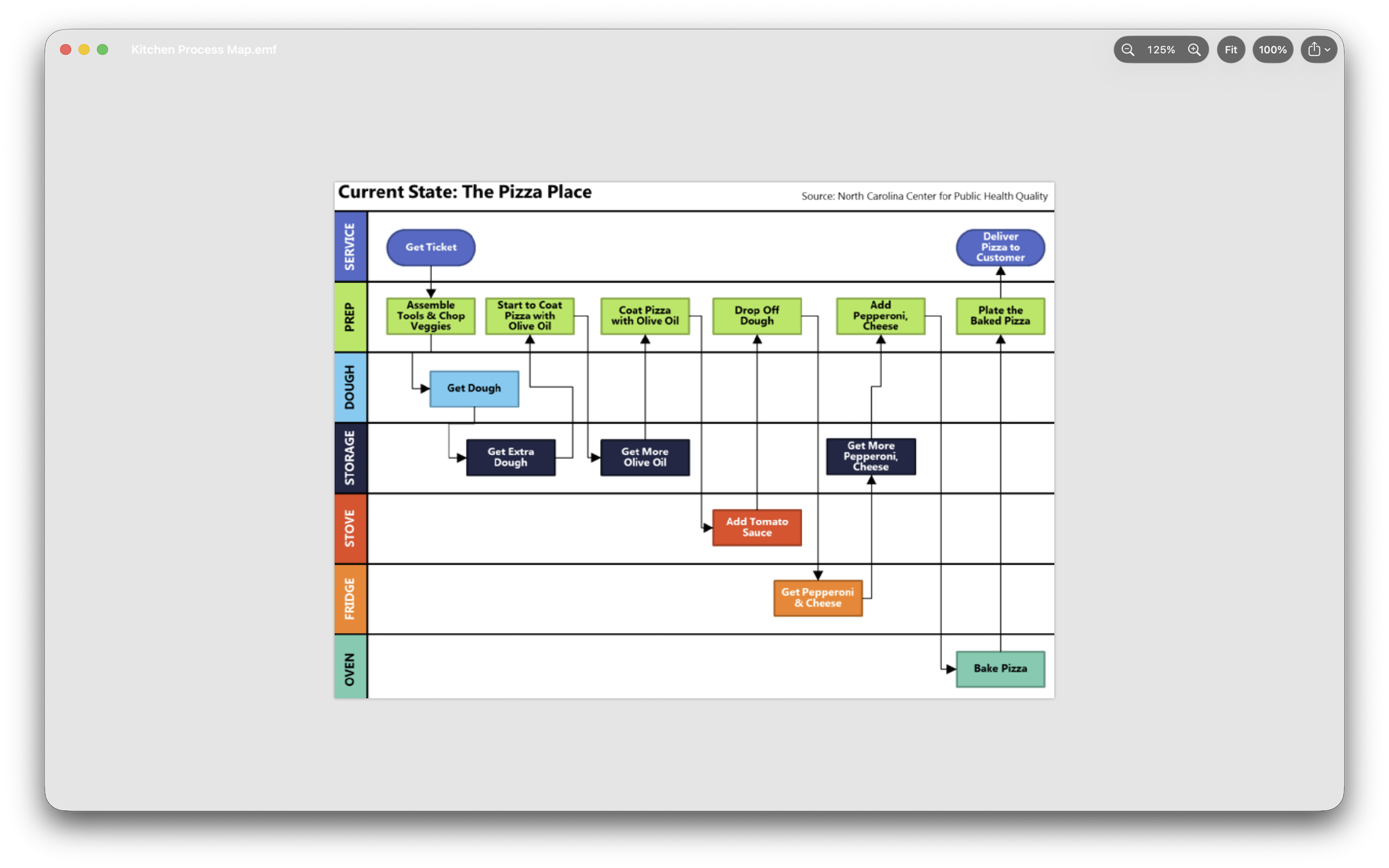 |
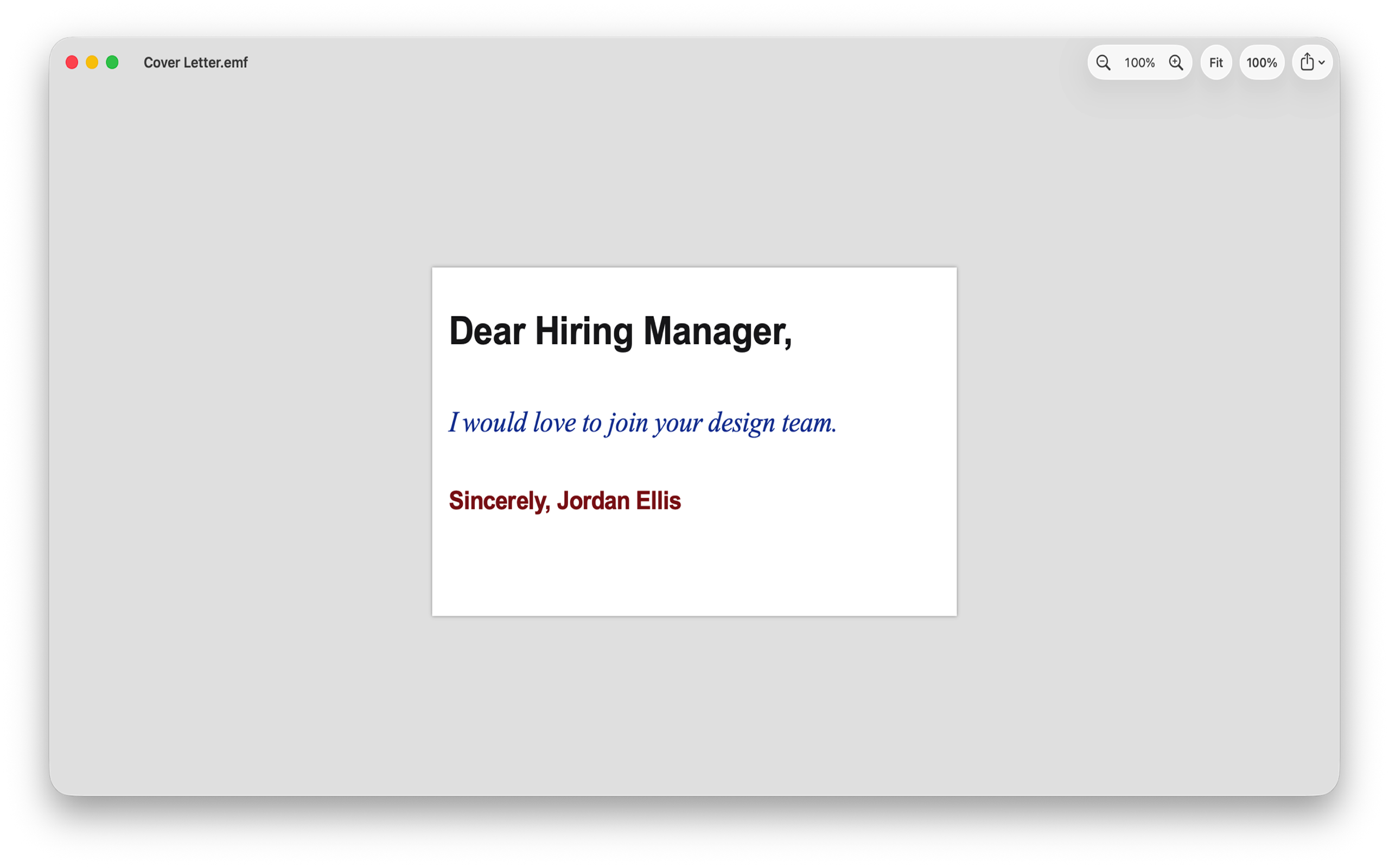
| Windows fonts mapped to macOS — weight, slant, and colour intact | Embedded bitmaps, zoomed and panned in the viewer |
Building from source
Xcode 26 or newer (Swift 6.2 toolchain).
The EMFKit package — parser, renderer, and the emfy-dump debugging CLI:
cd EMFKit
swift test                                   # fixtures, snapshots, fuzz
swift build -c release
.build/release/emfy-dump path/to/file.emf    # record inventory + diagnostics
The app and both Quick Look extensions:
xcodebuild -project Emfy/Emfy.xcodeproj -scheme Emfy -configuration Debug build
corpus/ holds the self-generated test files the suite depends on.
scripts/release.sh is the notarized-release pipeline — point it at your
own signing identity if you ship a fork.
Changelog
2.0
- Full EMF+ (GDI+) rendering — vector shapes, gradients, images, and text now draw in the viewer, Quick Look previews, and Finder thumbnails.
- Dual-format files play their higher-fidelity EMF+ content instead of the GDI fallback.
- Files whose drawing content exists only as EMF+ now render fully, instead of showing a partial-rendering notice.
- Render Details itemizes any EMF+ feature Emfy approximated or skipped.
1.4
- Large embedded bitmaps are decoded only at the size they are shown, cutting memory use in Quick Look previews, Finder thumbnails, and the viewer window.
- Render Details notes when a bitmap was decoded below its full resolution — no visible detail is lost.
- Expanded automated rendering coverage for Chinese, Japanese, and Korean text.
1.3
- The viewer canvas now follows the system appearance, so the window and toolbar stay readable in Dark Mode.
1.2
- Oversized embedded bitmaps are safely skipped before they can consume excessive memory, keeping the viewer and Quick Look resilient to hostile files.
- New Render Details shows parsing diagnostics and rendering notes, including a clear no-diagnostics state.
- File ▸ Open… is always available with Command-O, while Emfy continues to avoid creating blank documents.
1.1
- Reliable PNG and PDF export, with a clear message if an export can't be completed instead of failing silently.
- A single Dock icon no matter how many files you open.
- EMF+ documents show the partial-rendering notice correctly again.
- More robust handling of large and malformed files — no hangs or runaway memory on hostile input.
- More memory-efficient Quick Look previews and Finder thumbnails.
- New Help menu: Developer Documentation, What's New, Changelog, and Contact the Developer.
1.0
- First public release.
- Quick Look spacebar previews and Finder thumbnails for .emf files.
- Vector shapes, paths, clipping, styled pens and brushes, transforms, text, and embedded bitmaps.
- Viewer with zoom, pan, fit-to-window, and export to PNG or true-vector PDF.
Contributing
The most valuable contribution is a real .emf file that renders wrongly.
See CONTRIBUTING.md for the file-licensing ground rules,
the clean-room policy, and code expectations.
Licence & references
MIT © 2026 Avneet Singh
- [MS-EMF] Enhanced Metafile Format — https://learn.microsoft.com/en-us/openspecs/windows_protocols/ms-emf/
- [MS-WMF] shared structures — https://learn.microsoft.com/en-us/openspecs/windows_protocols/ms-wmf/
- [MS-EMFPLUS] (v2 scope) — https://learn.microsoft.com/en-us/openspecs/windows_protocols/ms-emfplus/