For Australian employees

Tax time, kept to the cent.

Snap a receipt, check what Keept read, slide to keep. Come 30 June, your accountant gets one tidy pack.

Download on the App StoreDownload on the App Store
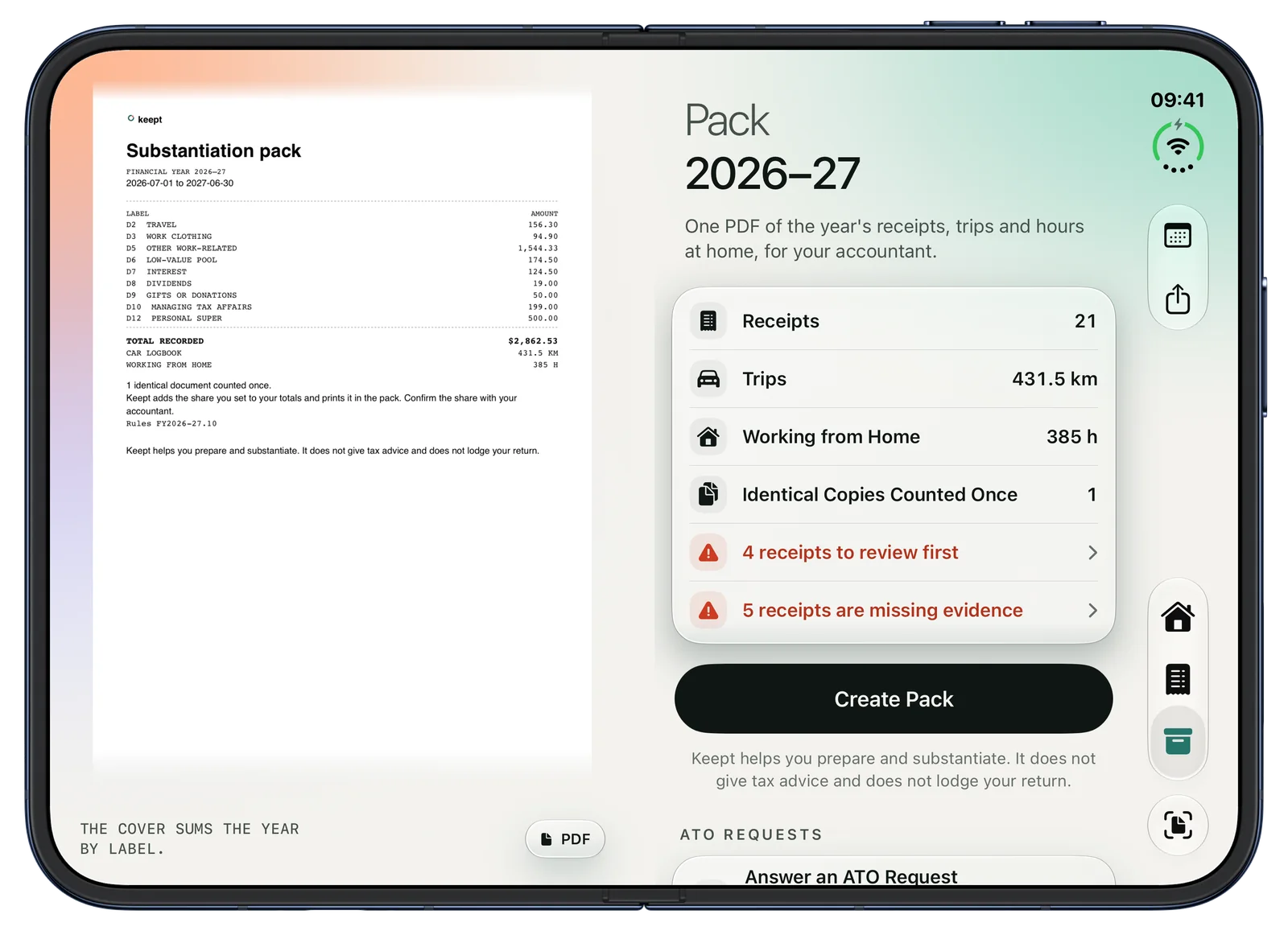
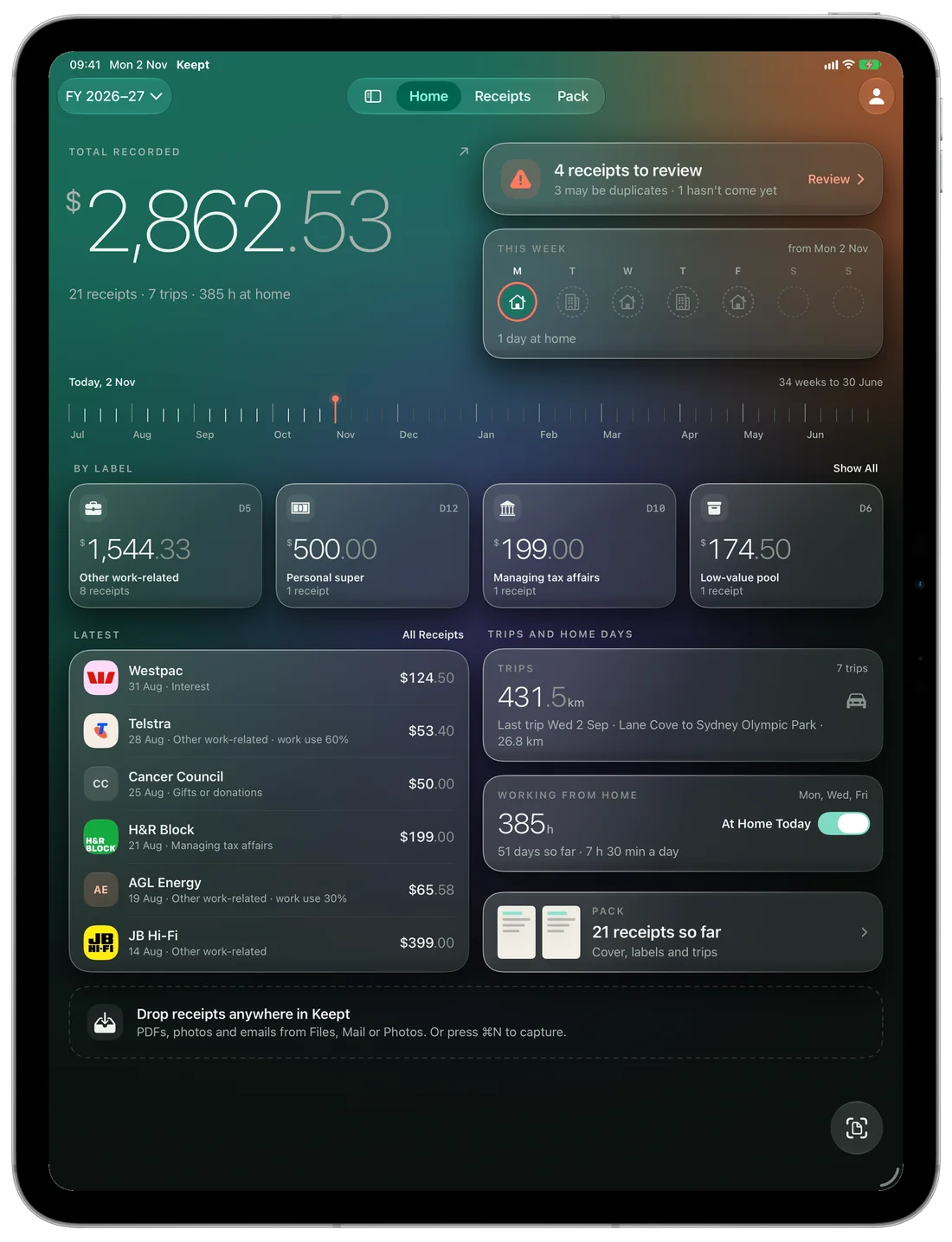
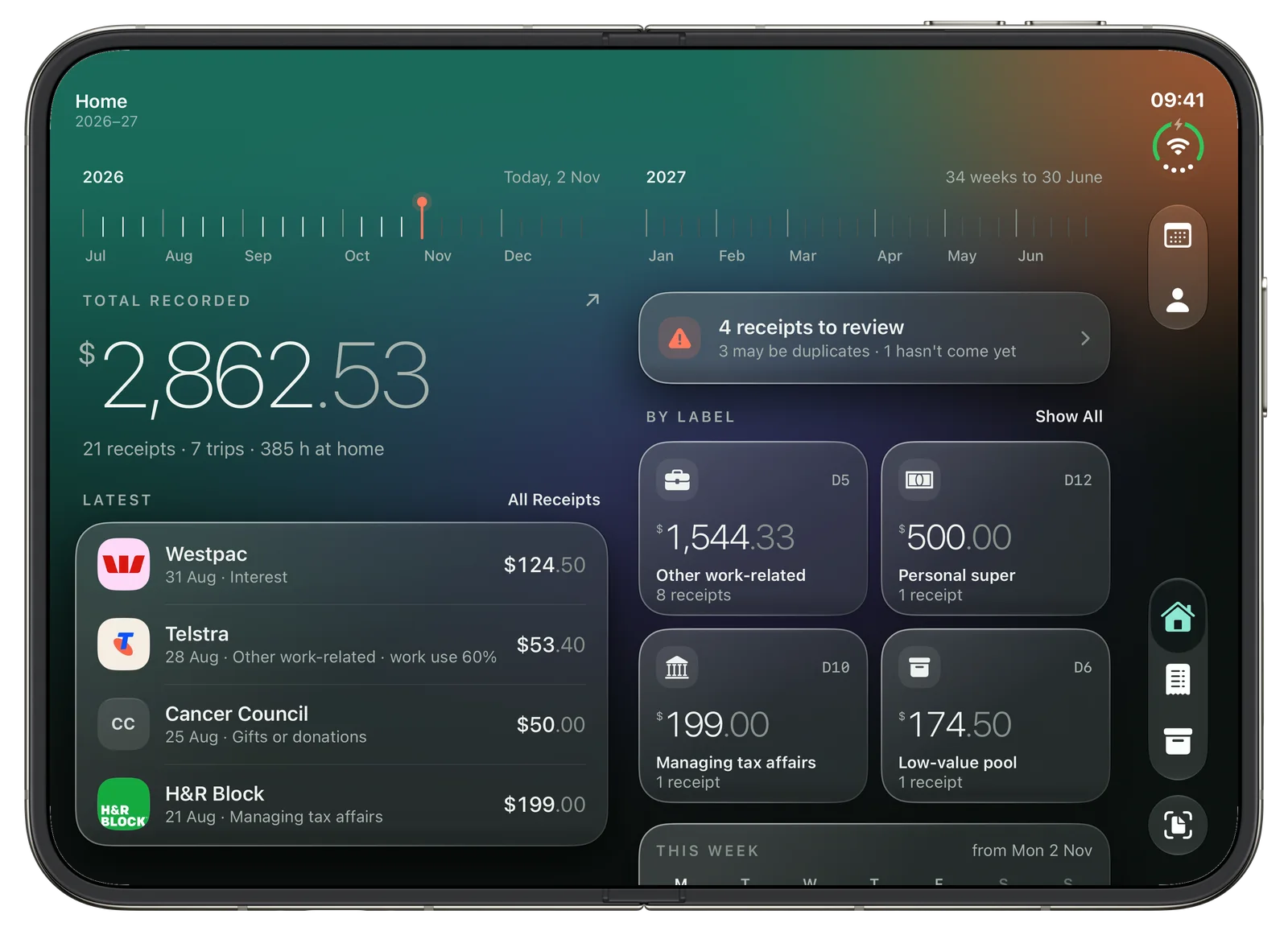
Keept on iPad ProKeept on iPad Pro
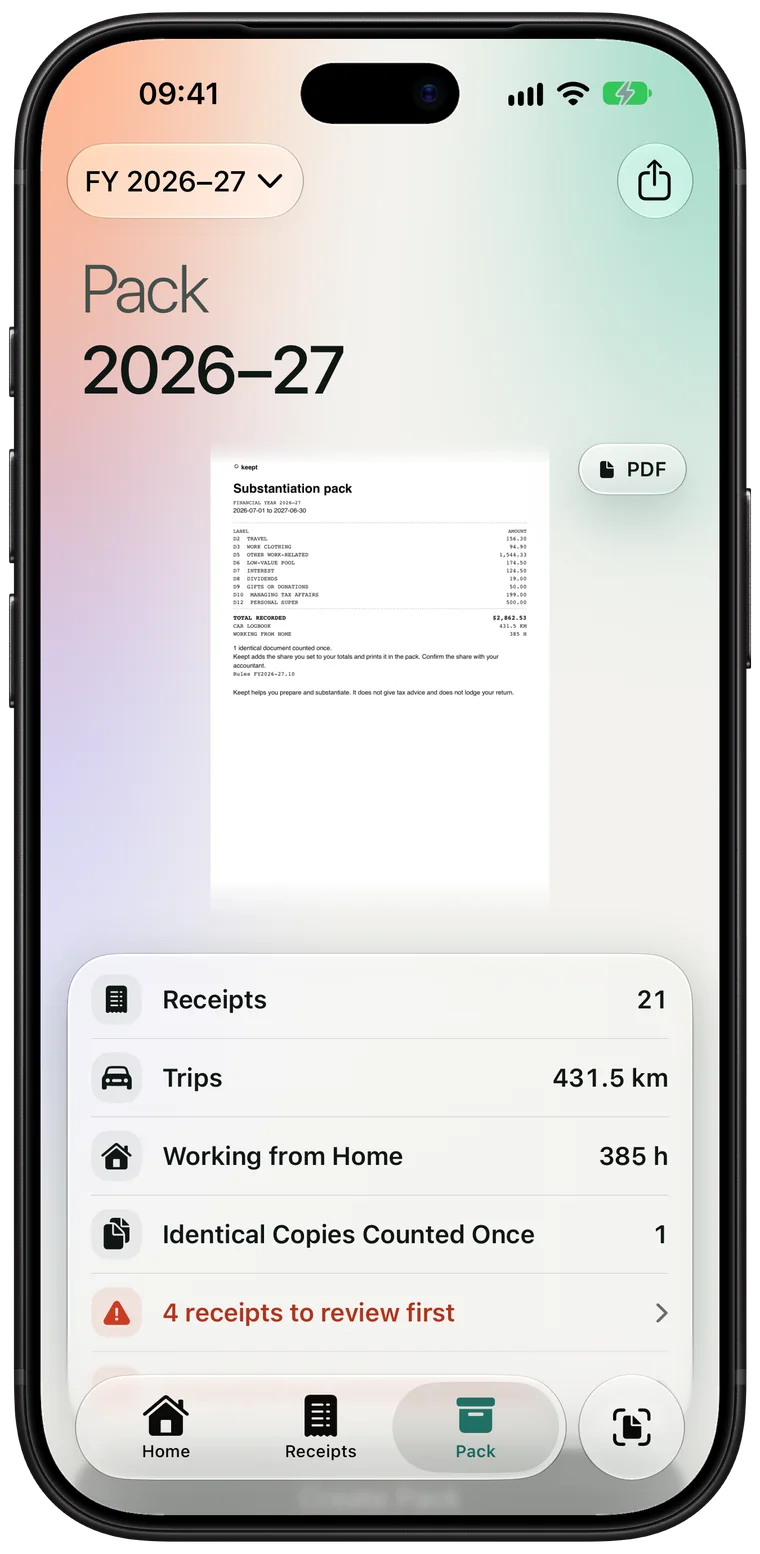
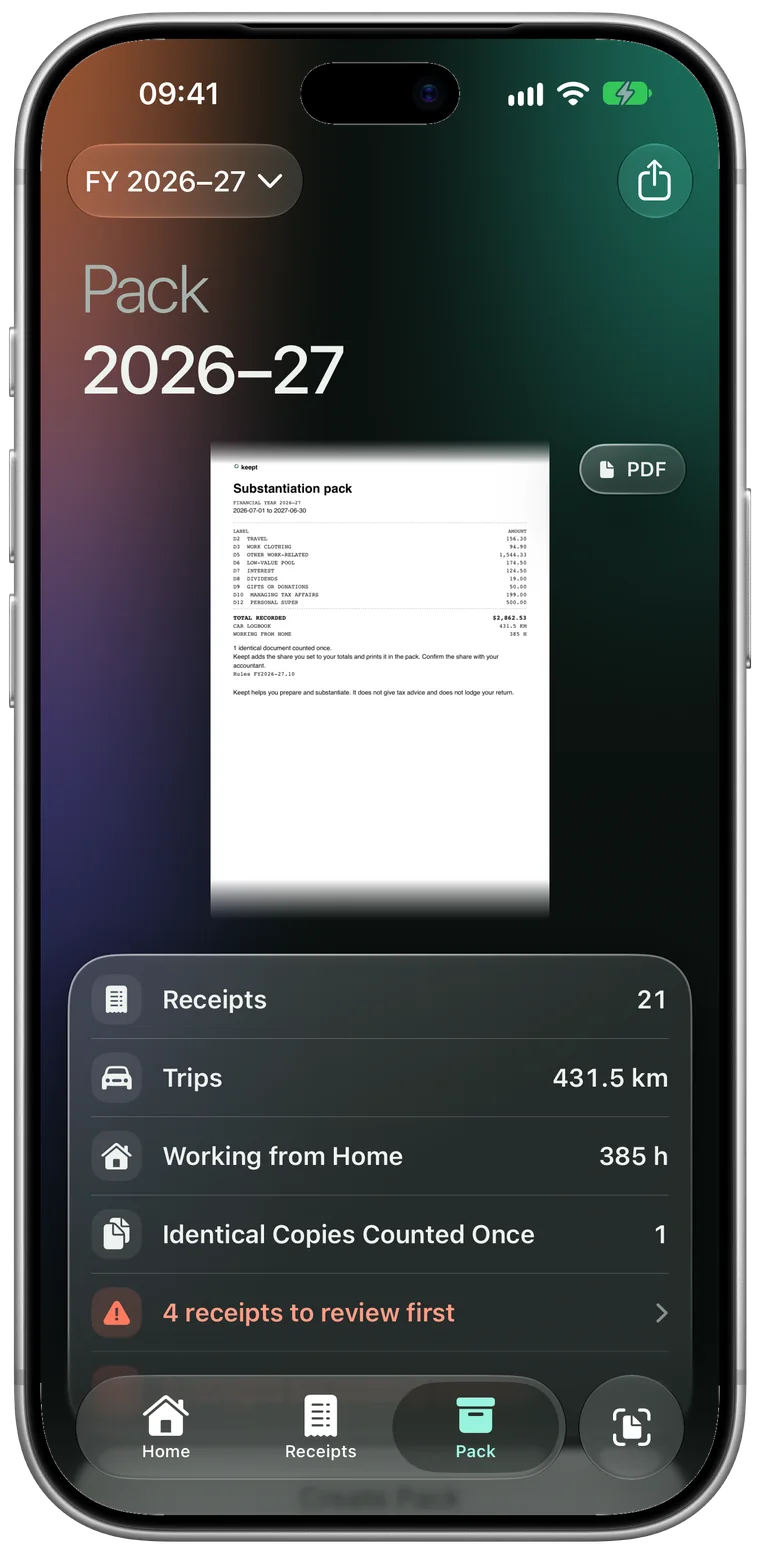
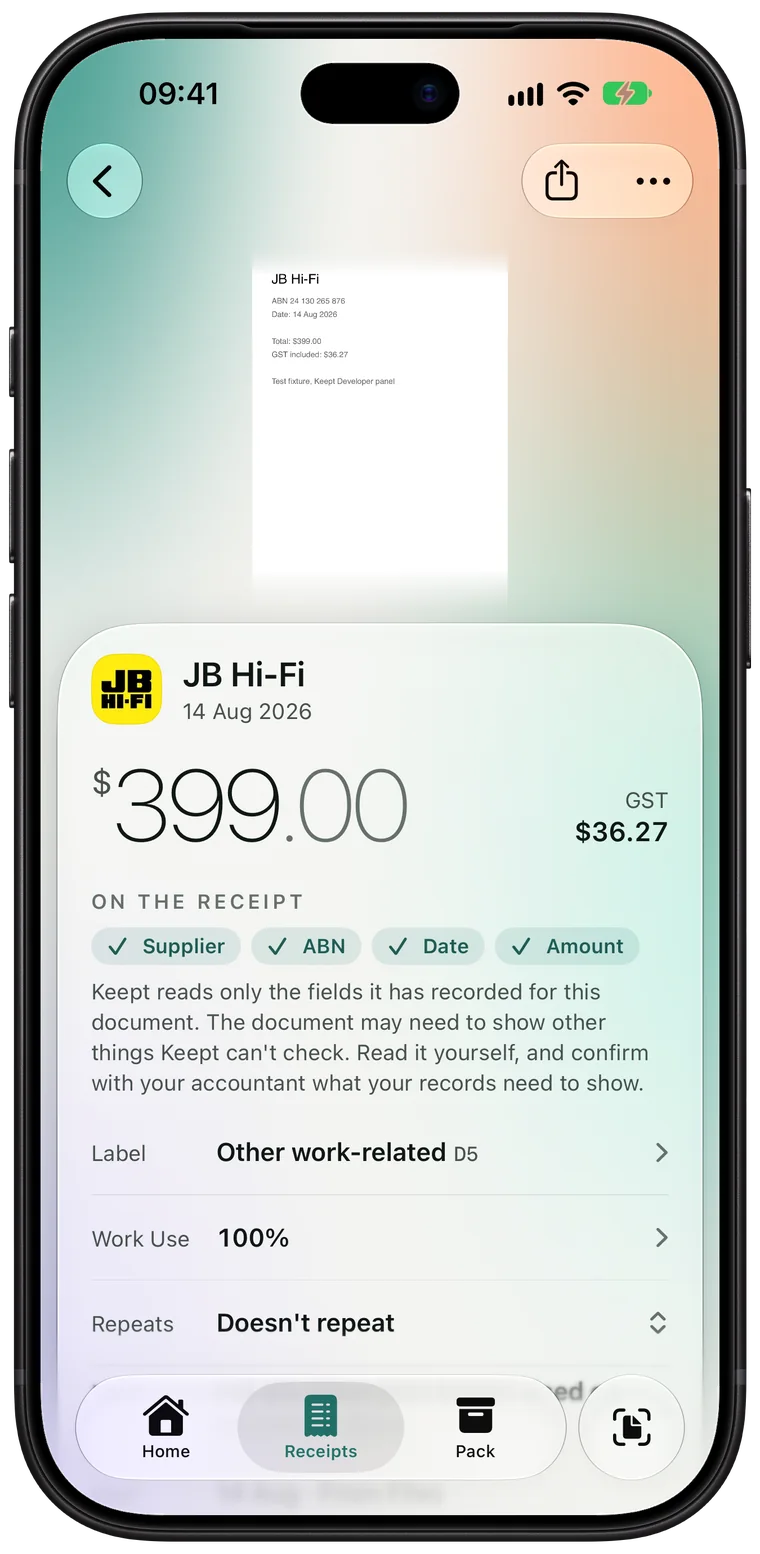
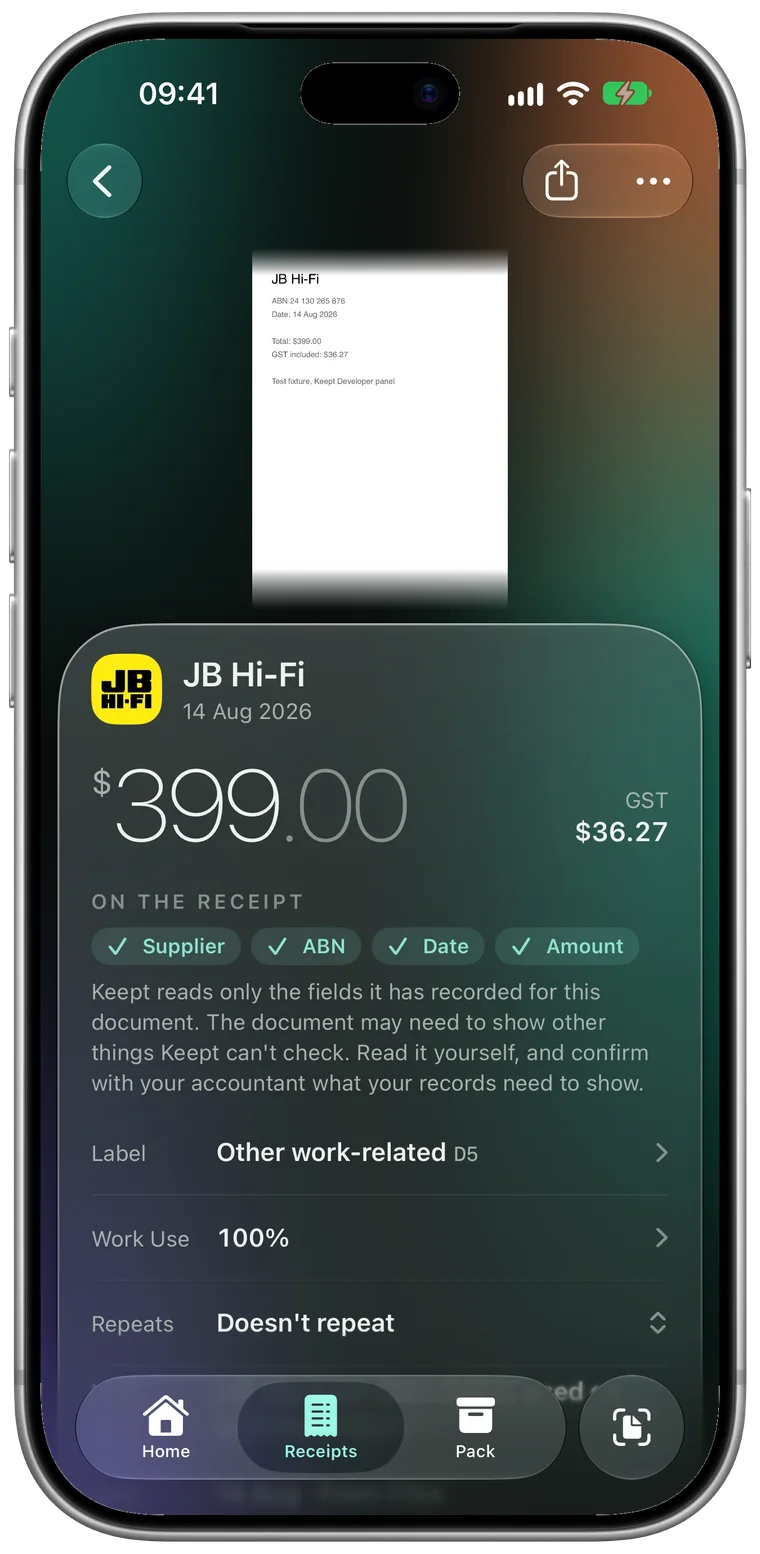
Keept on iPhone 18 ProKeept on iPhone 18 Pro
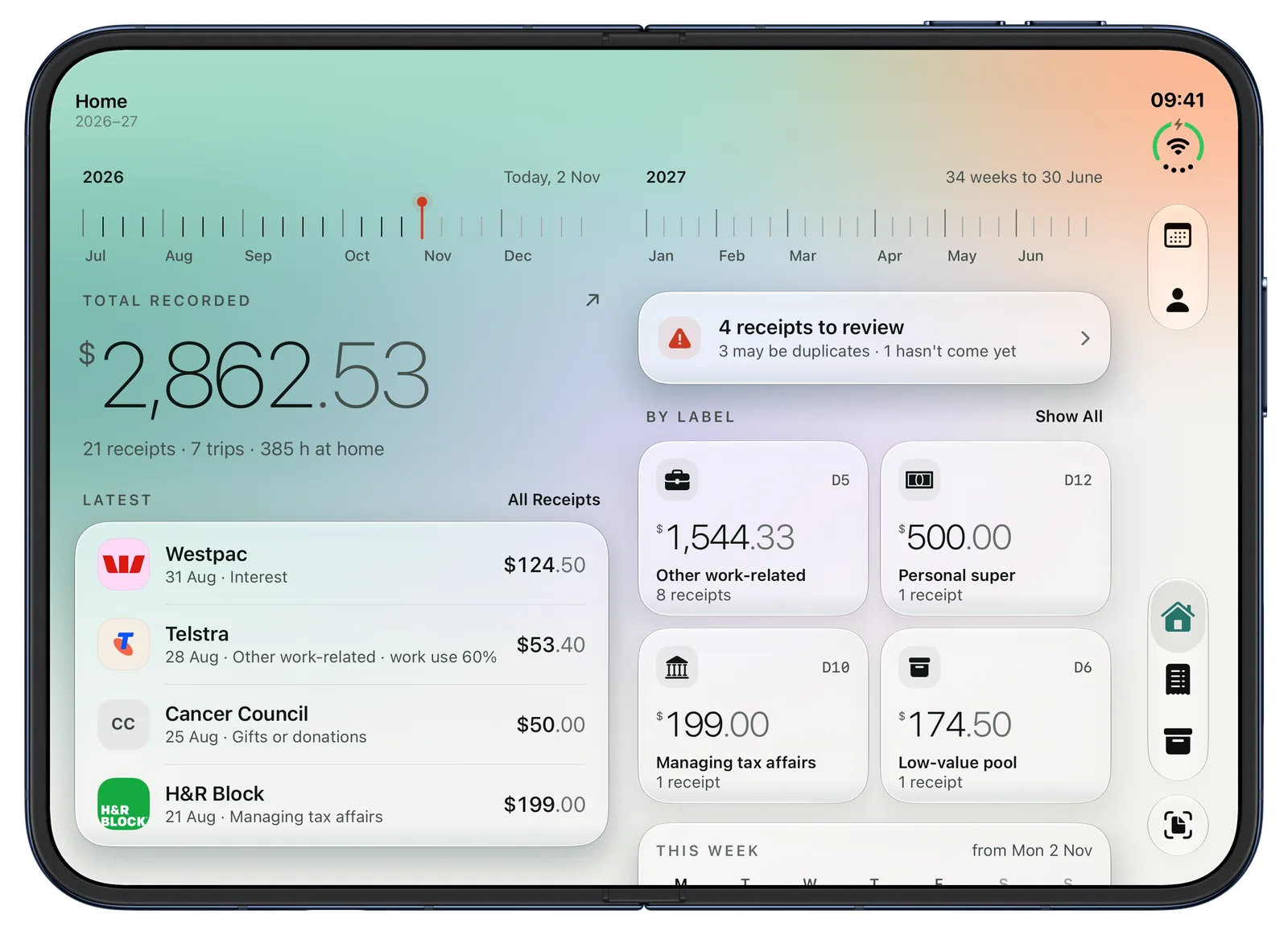
Keept on iPhone Duo, openKeept on iPhone Duo, open
Read with Apple Intelligence, on your iPhoneNo Keept account, no Keept serverFree, nothing to buy inside

From the shop counter to your accountant.

Capture

Snap it as it happens.

Keept's own camera finds the receipt in the frame and takes it when it's steady. Take one, or a whole batch, and Keept reads each while you line up the next.

  • Catch up a whole year: batch a drawer of receipts in one go
  • Photos, Files and a PDF shared from any app
  • A Live Activity follows the batch on the Lock Screen
Apple Intelligence

It reads the receipt for you.

Apple Intelligence reads the supplier, date, total, GST and ABN on your iPhone, and Keept checks the date, total and ABN against what's printed. It suggests the ATO label that may fit and learns from the labels you choose.

  • On the device: the receipt never leaves your iPhone to be read
  • No Apple Intelligence? Keept still reads every receipt on the device
  • Slide to Keep once it looks right
The pack

One tidy pack for your accountant.

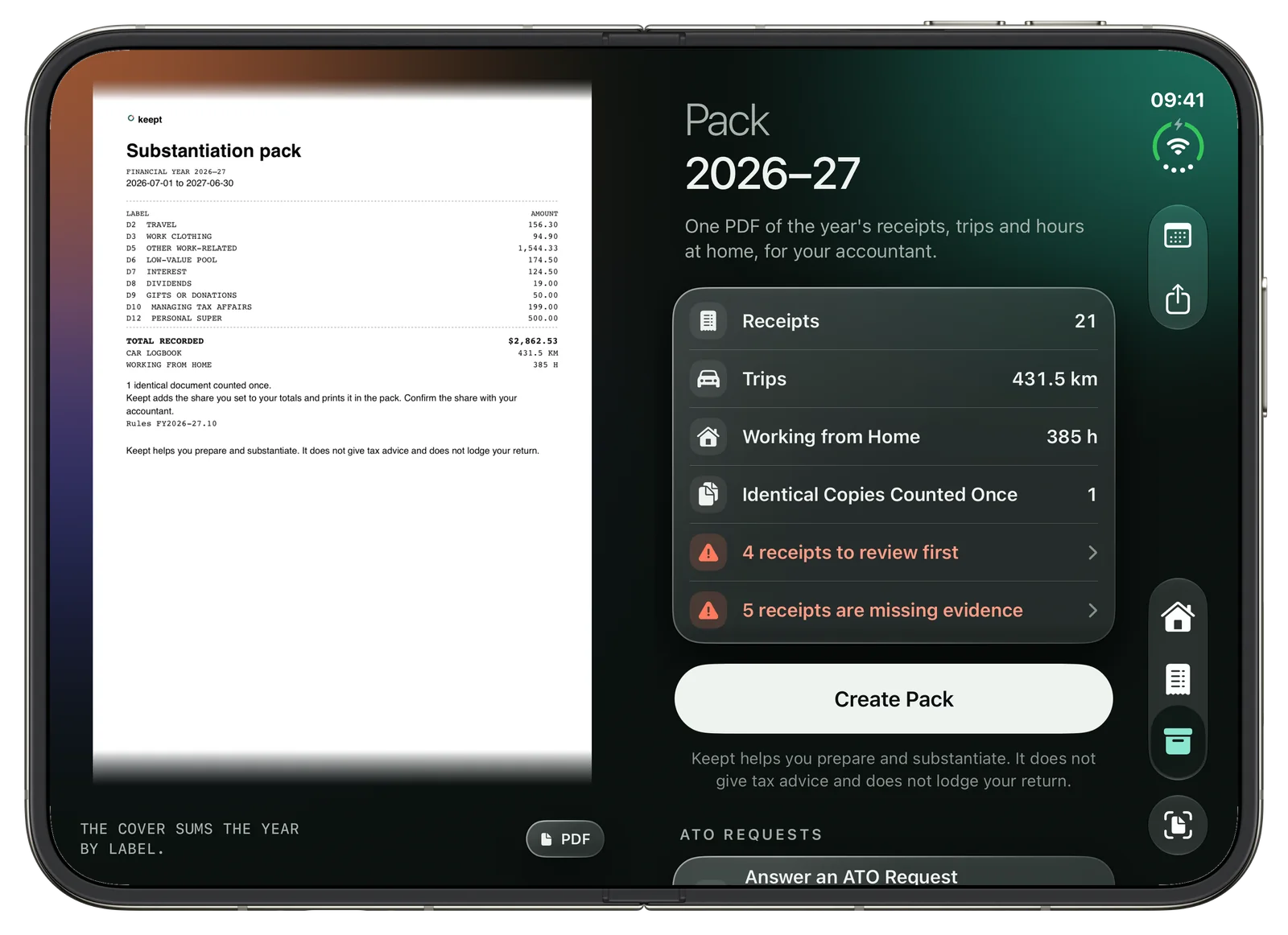
See your pack as its pages before you make it: receipts grouped by ATO label, your name and tax file number on the cover if you add them, every figure to the cent and every receipt behind it.

  • A spreadsheet to send, or one to bring back in
  • ATO Request: a bundle of just the labels asked about
  • Every edit kept on an audit trail
Trips

Every work trip, logged.

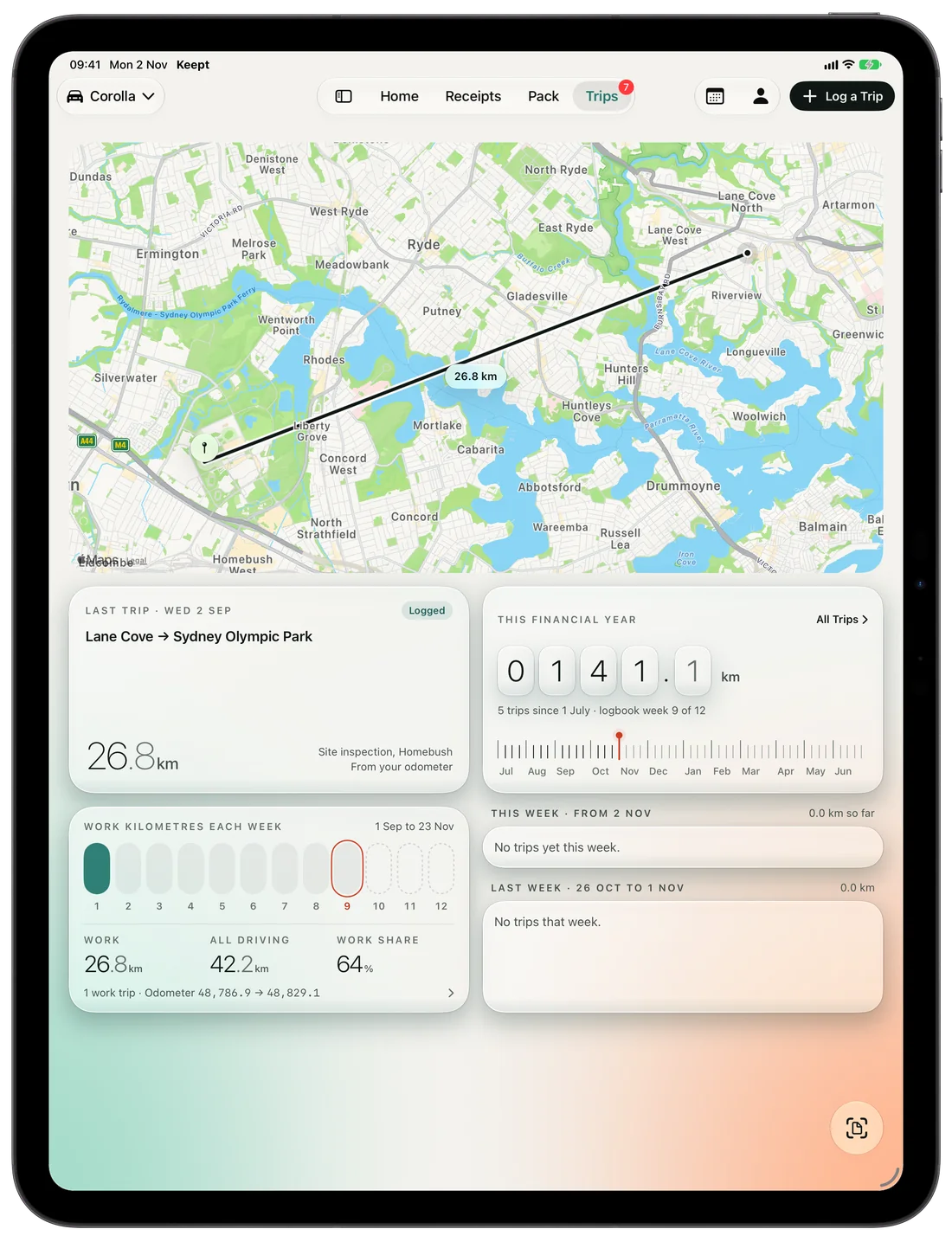
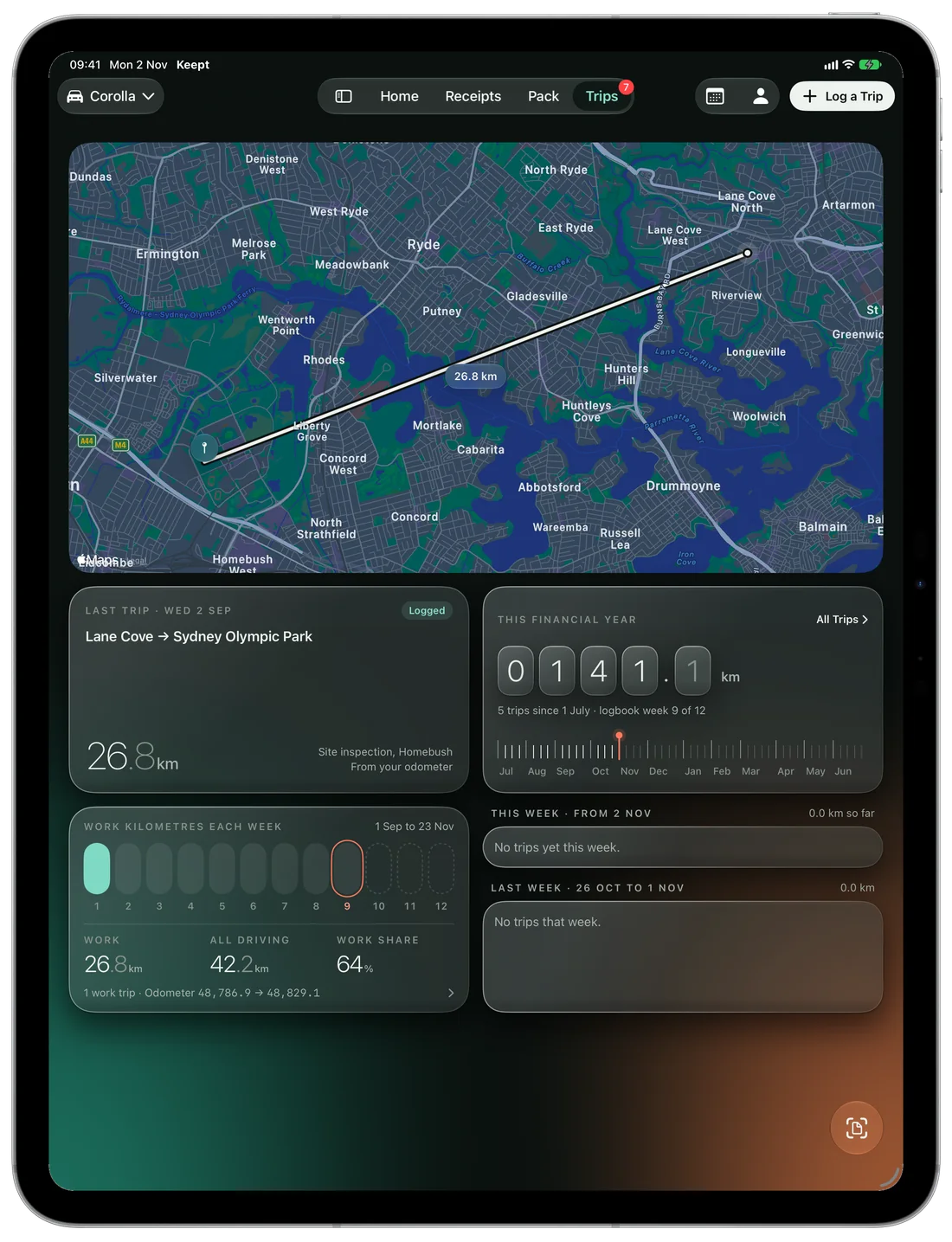
Log a trip with the route from Apple Maps or the kilometres you type. Keep a car's 12-week logbook with its odometer readings, and Keept works out the work share.

  • Routes from the places you type, never from where your phone is
  • Week by week, with the year's kilometres
Working from home

Your days at home, counted.

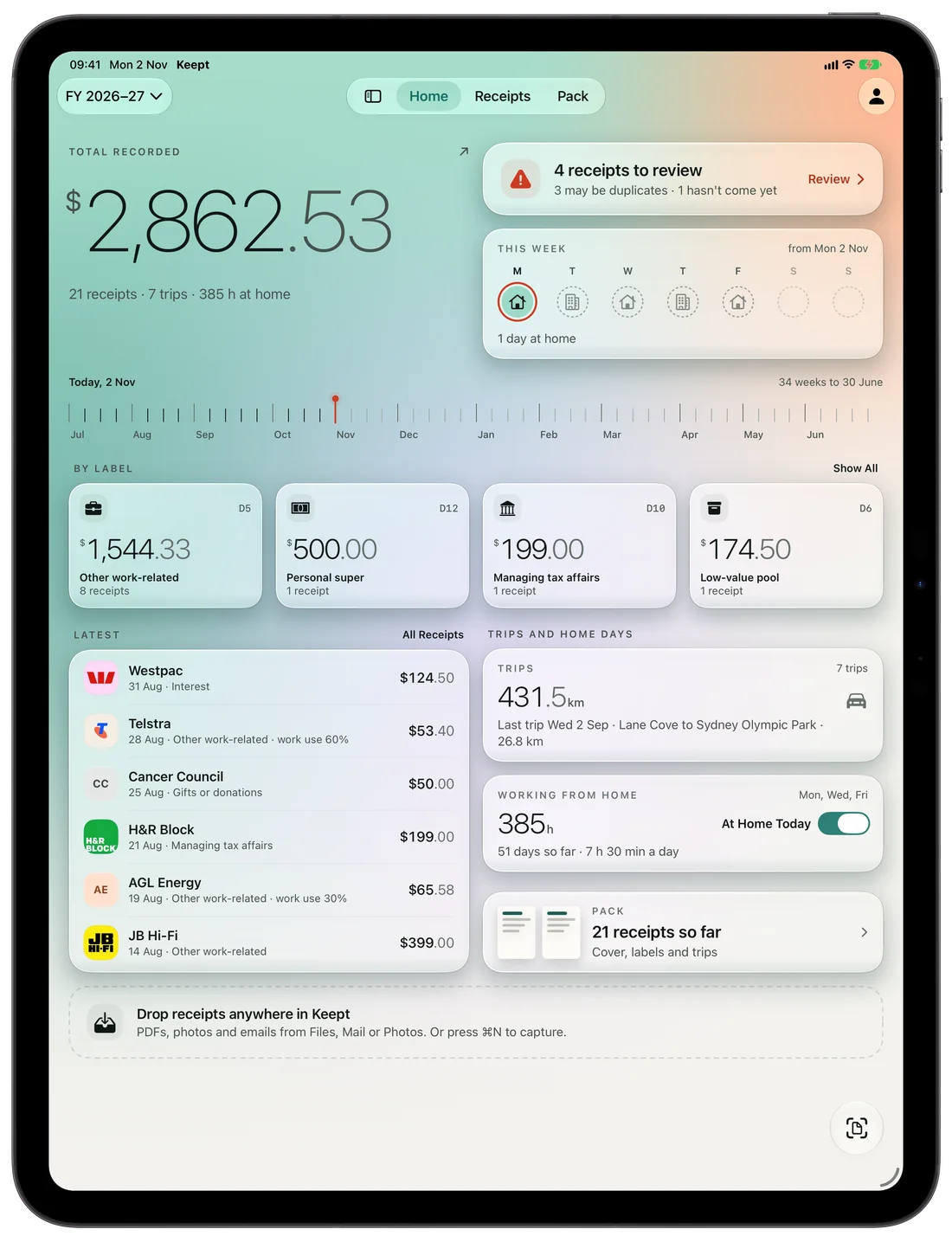
Mark the days you work from home on a calendar that knows your state's public holidays. Set your pattern once and see your year at home week by week.

  • At Home Today from a widget, Siri or the Lock Screen
  • The same hours on the screen and in the pack

The labels your return already uses.

Keept suggests where a receipt may belong among the ATO's work-related deduction labels. You decide, and your accountant confirms.

D1CarWork-related car expenses
D2TravelWork-related travel expenses
D3Work clothingWork-related clothing, laundry and dry-cleaning
D4Self-educationWork-related self-education
D5Other work-relatedOther work-related expenses
D6Low-value poolLow-value pool deduction
D7InterestInterest deductions
D8DividendsDividend deductions
D9Gifts or donationsGifts or donations
D10Managing tax affairsCost of managing tax affairs

D12Personal superannuation contributions are kept too.

Labels come from Keept's rules for the 2026–27 financial year and update with each year's rules. Keept keeps your records in order for you and your accountant. It does not give tax advice and does not lodge anything with the ATO.

Privacy

Yours, and nobody else's.

Keept is built so there's nothing for us to see.

Read on your device

Receipts are read, sorted and packed on your iPhone or iPad.

No Keept account

No sign-up, no Keept server and no analytics. Nothing is sent to us.

Your own iCloud

Your library can follow you to your other devices through your private iCloud. You can turn that off.

Never advice

Keept suggests and you decide. Anything that may be deductible is a prompt to confirm with your accountant.

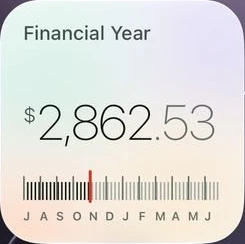
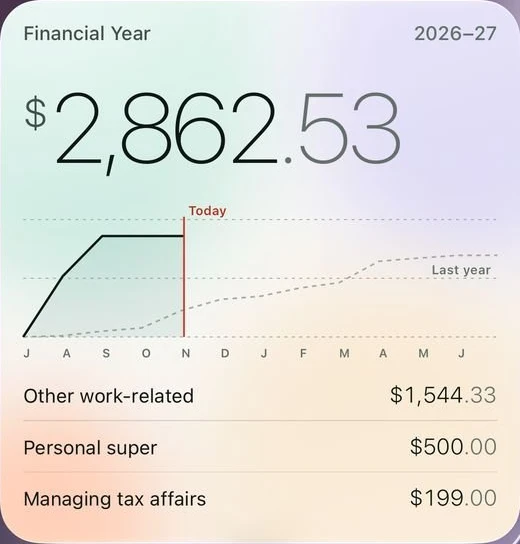
The Financial Year widget: $2,862.53 this year, the year's line against last year's, and the top three labelsThe small Financial Year widget with the year's weeks and today marked

Keept, without opening Keept.

Five widgets put your year, your trips and your days at home on the Home Screen. The Lock Screen shows what's left to check, never an amount.

  • Add a ReceiptSiri, Shortcuts, Control Centre
  • I'm at Home Todaywith Undo
  • What's Left to Do?Siri
  • Find ReceiptsSiri, Shortcuts
  • Log a TripSiri, Control Centre

iPhone, iPhone Duo and iPad.

One library on every device you use, laid out for each.

Keept on iPhone 18 ProKeept on iPhone 18 Pro
iPhoneSnap at the counter, keep it in a second.
Keept on iPhone Duo, openKeept on iPhone Duo, open
iPhone DuoOpen it out and Keept lays out two pages, like a book.
Keept on iPad ProKeept on iPad Pro
iPadA sidebar of your labels, the menu bar, keyboard shortcuts and drag and drop.

Good to know.

Is Keept free?

Yes. Keept is free, with nothing to buy inside and no subscription.

Where does my data go?

It stays on your device. If you turn on Sync with iCloud, your library also goes to your own private iCloud so your other devices can see it. Apple Maps is asked for a trip's route only from the places you type. Supplier logos are off until you turn them on.

Do I need Apple Intelligence?

No. Keept reads receipts on every supported iPhone and iPad. Where Apple Intelligence is available, Keept also uses Apple's on-device model to read the receipt, and checks what it reads against the printed text.

Does Keept lodge my tax return?

No. Keept keeps your records in order and builds a pack for you and your accountant. It never lodges anything with the ATO and never gives tax advice.

Which devices does it run on?

iPhone and iPad with iOS 26 or iPadOS 26 or later, including iPhone Duo, and Macs with Apple silicon.

I'm a sole trader. Is Keept for me?

Keept is made for employees and the work-related deduction labels. Sole-trader records aren't covered yet.

Start keeping today.

Download on the App StoreDownload on the App Store

Questions or feedback: hello@neetsingh.com